
Six gigabytes of video memory is what a lot of people actually own, and almost nobody writes for it. Every local AI guide assumes twenty four. The arithmetic that decides whether a model fits takes about a minute, and it is the only part of local AI hardware worth learning first.
Let me be blunt about the framing. You are not trying to match a rented model. You are trying to run something useful on the machine that is already on your desk, and that goal has different rules.
Start With The Numbers You Already Have
Open your system monitor and find two figures. One is video memory, the amount on the card. The other is total system memory, which matters more than most guides admit.
On Linux, nvidia-smi prints the memory on the card in a single line. On Windows the task manager shows it under performance. Either way you want the total, not the amount currently free, because free memory changes every time you open a browser tab.
Write both down. Then subtract about half a gigabyte from the card figure for the display and the driver, since a desktop with a monitor attached is never giving the model all of it.
There is one exception worth knowing, because it changes the arithmetic in your favour. If the monitor is plugged into the motherboard’s integrated graphics rather than the card, the card keeps its entire memory for the model. That is common on machines with a small discrete card and a CPU that has video built in, and it is worth checking before you resign yourself to a smaller model.
What Vram Actually Buys You
Vram holds the model’s weights, plus the working memory it builds while answering you. Weights are the big number. That working memory, the cache, grows with how much text you feed it.
So the question is never just does the model fit. It is does the model fit with enough room left to think. A 7B model squeezed into a card with nothing spare will run until your prompt gets long, then slow down or fail.
Here is the useful rule. Model size in gigabytes is roughly the parameter count times the bytes per parameter. Everything else is a variation on that multiplication.
Quantisation Without The Maths
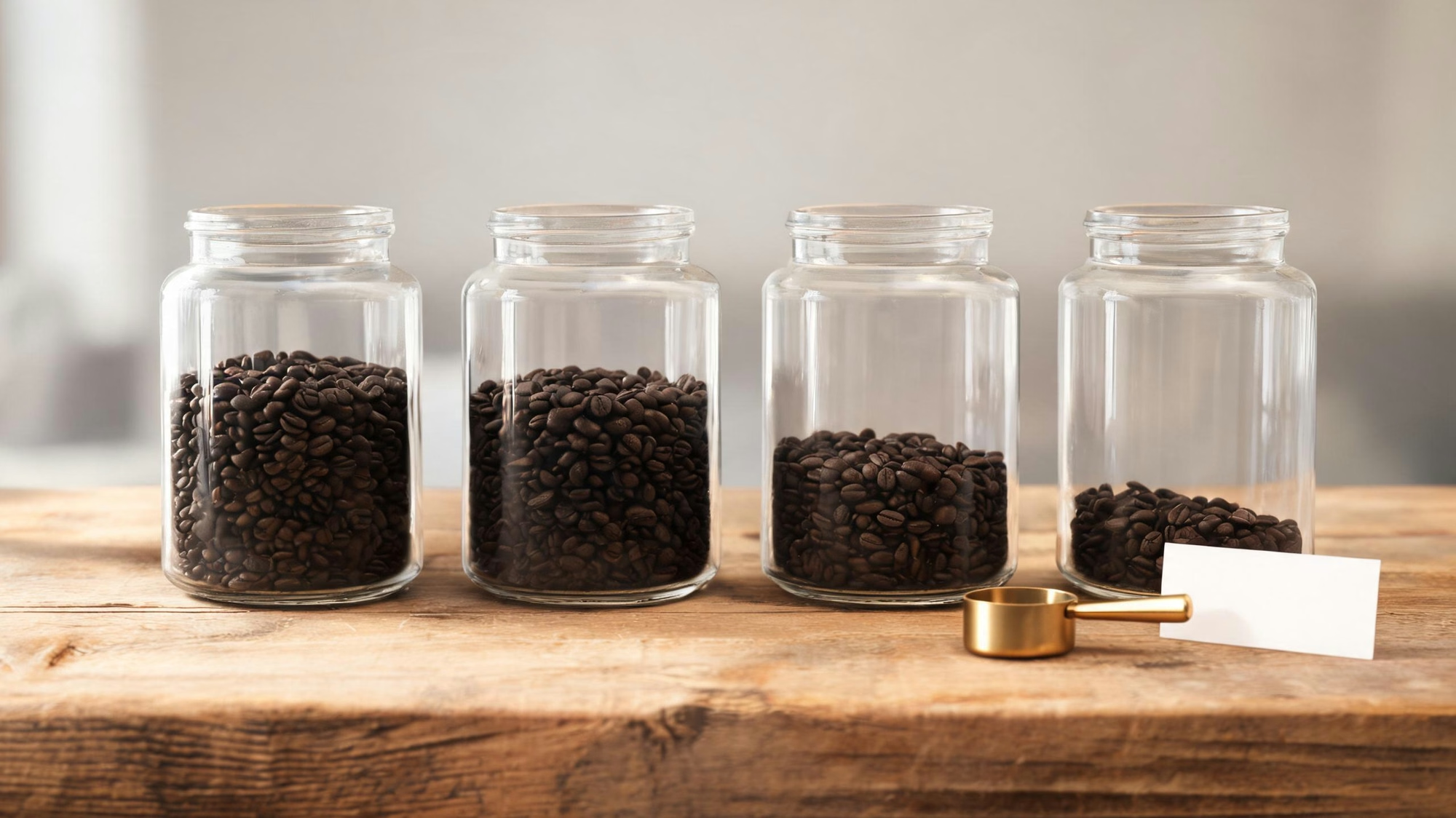
Quantisation means storing each weight in fewer bits. Fewer bits, smaller file, and some loss of precision that you may or may not notice.
You do not need the theory. You need four numbers and a willingness to try two of them.
| Level | Bytes per billion parameters | 7B model lands near | What it costs you |
|---|---|---|---|
| Q8 | about 1.0 | 7 GB | Almost nothing, often too big to be useful |
| Q6 | about 0.8 | 5.6 GB | Very little, tight on six gigabytes |
| Q5 | about 0.7 | 5 GB | A little, good middle ground |
| Q4 | about 0.6 | 4.4 GB | Noticeable on hard reasoning, fine for most chat |
A 4-bit model is not a broken model. It is a smaller one, and for summarising, rewriting and answering questions about a document you will struggle to tell the difference.
Where it shows is the tail end of hard problems. Code that needs three steps of reasoning, arithmetic, anything where one wrong token ruins the answer. That is where the extra bits earn their memory.
Models That Fit In Six Gigabytes
The honest list, with the sizes that actually matter on a download page.
| Model | Shape | Download from Ollama | On a six gigabyte card |
|---|---|---|---|
| Gemma 3 4B | 4B dense | 3.4 GB | Comfortable, the safest starting point |
| Gemma 4 E2B | 2B effective | 4.3 GB | Comfortable, good with long context |
| Qwen3.5 4B | 4B dense | around 3.4 GB at Q4 | Comfortable, with room for long context |
| Llama 3.2 3B | 3B dense | around 2 GB at Q4 | Trivially fits, good for quick jobs |
| Gemma 4 E4B | 4B effective | 6.1 GB | Tight, only if the display is not on the card |
| Ministral 3 8B | 8B dense | around 6 GB at Q4 | Borderline, expect a spill or a smaller quant |
| Qwen3.5 9B | 9B dense | around 6.6 GB at Q4 | Spills on six gigabytes, fine at a lower quant |
| Gemma 4 12B | 12B dense | 7.2 GB | Offload only, and it eats your context room |
Those figures are the actual Ollama download sizes, taken from the registry rather than a blog post. They run slightly larger than the weights alone, because the bundle carries the vision projector and the template as well.
The pull commands are the whole installation.
ollama pull gemma3:4bollama pull gemma4:e2b-it-qatollama pull qwen3.5:4b
Start with something in the four gigabyte class. It is the size most people should have been pointed at a year ago, and it leaves you enough memory to paste in a real document rather than a paragraph.
Quantisation aware builds are worth hunting
Google publishes quantisation aware versions of the Gemma line, tagged QAT, trained with the compression in mind rather than squeezed after the fact. They land at the same footprint as an ordinary four bit build with noticeably better reasoning, and there is no reason to take the worse file.
The size difference is small and the quality difference is not.
Cap your context before you blame the model
A model that advertises a hundred thousand tokens of context will build a cache to match, and that cache lives in the same memory as the weights. Cap it at four or eight thousand tokens in the runtime’s settings and the model stays where you put it.
This is the most common reason a model that fits perfectly runs badly. Nothing is broken. You asked it to hold more than the card can carry.
The mixture of experts exception
I nearly wrote skip anything at thirty billion and above. That advice is wrong now, and here is the exception.
Some large models are mixtures of experts. Only a fraction of their parameters fire for any given token, so a model with twenty six billion parameters can have four billion active. Gemma 4 26B-A4B is the one to look at, at 15.6 GB on the download card and 14.4 GB of actual weights.
The weights still have to live somewhere, but the compute stays small, which means offloading part of it to system memory hurts far less than it would on a dense model of the same size.
So a machine with a small card and a lot of system memory, which is most workstations, can run something genuinely larger than the card suggests. The trade is speed and a lower quantisation, and it is worth trying once to see what your machine can actually hold.
The models to skip
Dense models above about fourteen billion parameters. Not because they are bad, but because the card will spend its time swapping rather than computing, and you will conclude that local AI is slow when the truth is that your model was too large.
Vision models are a separate budget. They carry an image encoder on top of the language weights, and that encoder needs its own room.
When The Model Spills Into System Ram
Modern runtimes can put some layers on the card and the rest in system memory, pulling them across as needed. The model still works. It simply stops being fast.
This is the part the guides treat as failure. I think that is wrong. Spilling is a mode, not an error, and it has real uses.
If you want to test whether a bigger model is worth upgrading for, spill it deliberately and live with it for an afternoon. You will learn more about the trade than any comparison table will tell you.
What you should not do is pretend the slowdown is not there. When the weights live in system memory, the card spends its time waiting on the memory bus instead of doing arithmetic.
What Speed To Expect

Tokens per second is the only speed that matters, and you can estimate it before downloading anything.
Take your card’s memory bandwidth in gigabytes per second, divide by your model size in gigabytes, and you have a ceiling. Real performance lands well below that ceiling, because nothing is perfectly efficient.
A model that fits entirely on the card runs at a usable pace. A model half in system memory runs at a pace you will tolerate for batch work and find painful for chat.
Here is the part nobody tells you. Speed stops mattering after a point. Fifteen tokens a second reads faster than you can skim, and most of your waiting is the model thinking, not the words arriving.
Why downloading is the real test
Estimates are estimates. The same model at the same quantisation behaves differently on different cards, so download one, run a real prompt, and count.
The Software That Makes This Easy
Four options, all free, all open source in some form.
- Ollama runs a model with one command and is the least fussy way to start.
- LM Studio puts a graphical interface over the same idea, which suits people who would rather click than type.
- llama.cpp is the engine underneath most of the above, and the one to reach for when you want control.
- Magnitude is an inference engine that tunes itself to your hardware when it downloads a model, and it will find GGUFs you already have from the other three.
Magnitude is worth a look specifically because of the small card problem. It measures what runs well on your machine and shows, per quantisation, how much of the model fits on the card, how much lands in system memory, and how much is streamed from disk. That is exactly the decision this article has been describing, printed on the screen before you commit to a download.
Model names, versions and prices in this piece are as of November 2026. This field moves monthly, so check the current numbers before you spend anything.
Where The Small Card Falls Over
Three places, and they are consistent.
Long context is the first. A big prompt builds a big cache, and the cache competes with the weights for the same memory. The model that ran beautifully on short questions will crawl once you paste in forty pages.
Concurrent work is the second. Two agents sharing one card means two caches, and the arithmetic stops being generous.
The third is the honest one. Hard reasoning still belongs to the large rented models. If you need a correct answer to a genuinely difficult problem, a frontier model such as Claude Fable 5.2 will beat anything that fits in six gigabytes, and pretending otherwise wastes your afternoon.
Key Takeaways
- Weights are roughly parameters times bytes per parameter, and that multiplication decides everything.
- Q4 is the workhorse on a small card. Q6 is the luxury you can sometimes afford.
- Spilling into system memory is a slow mode, not a failure.
- Divide your bandwidth by your model size to get a speed ceiling before you download.
- Local wins on privacy, offline use and volume. It loses on the hardest questions, and that is fine.
The Card You Already Own
The gap between what people think local AI needs and what it actually needs is about eighteen gigabytes of marketing. Your card runs a 7B model at 4-bit today, at a speed that reads fine, for nothing per token.
Start with one model, one quantisation, one real task you already do. If that works, you have learned more about local AI hardware than another comparison table could teach you, and you still have the card you started with.