

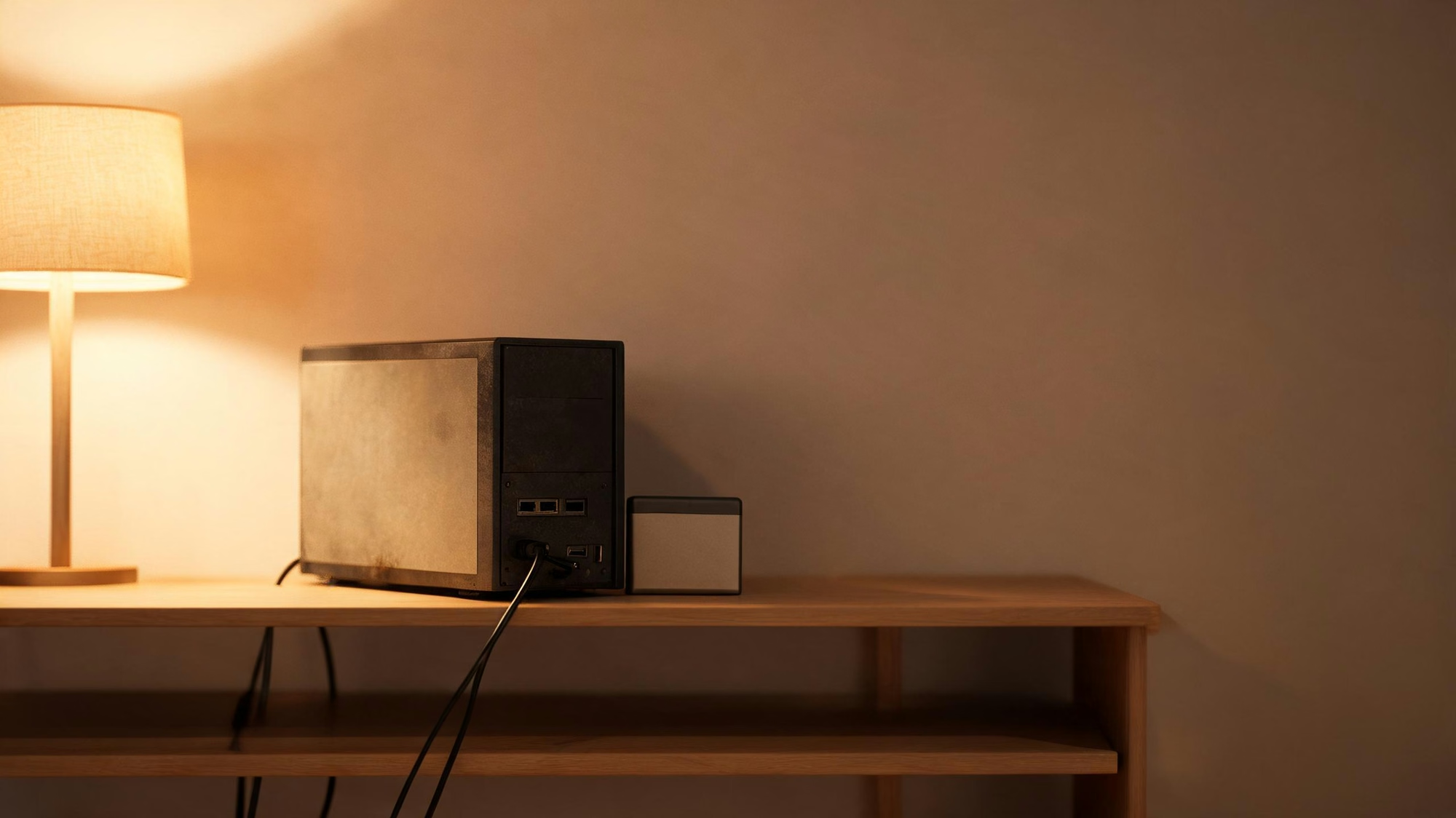
You do not need a thousand-dollar server rack blinking in your closet to self-host your own media, files, or WordPress sandbox. Half the time, a retired office desktop or a palm-sized mini PC runs circles around bloated monthly cloud subscriptions.
Right now, my entire home setup consists of an off-lease Dell OptiPlex 7050 small form factor PC sitting quietly beside a standalone 6TB Western Digital Purple drive tucked inside a nineteen-dollar enclosure I bought off Walmart.com. There are no loud cooling fans, no tangled patch panels, and zero recurring storage fees draining my bank account every month.
Honestly, people overcomplicate home servers until the whole project turns into an unpaid second job. When you strip away the enterprise nonsense, running your own box feels less like managing a data center and more like keeping a reliable pickup truck in the driveway.
Why Retired Office Machines Refuse to Die
Corporate offices cycle through compact desktops every few years like disposable coffee cups, which means you can pick up serious hardware for next to nothing. Those small form factor machines were built to sit under desks running spreadsheets eight hours a day without making a peep.
Drop a lightweight Linux distribution onto one of those boxes and it immediately wakes up. You get plenty of memory, snappy solid-state storage, and rock-solid stability without paying the brand-new workstation tax.
Even better, pairing a quiet desktop with a surveillance-rated drive like a WD Purple gives you massive, dependable storage built to handle continuous reads and writes without breaking a sweat. For a home media library that mostly reads large video files back to your living room TV, that combination is practically bulletproof.
The Tiny Windows Mini PC Alternative
Now, if an off-lease desktop still feels too big for your entertainment center, you have another killer option sitting right on the shelf. Compact Windows mini PCs powered by modern low-wattage chips like the Intel N100 or N150 have quietly become absolute beasts for home media serving.
These little boxes sip electricity like a nightlight while packing enough punch to run Jellyfin or Universal Media Server without breaking a sweat. You can mount one straight onto the back of a television with a VESA bracket and forget it even exists.
Hardware Options Worth Looking At
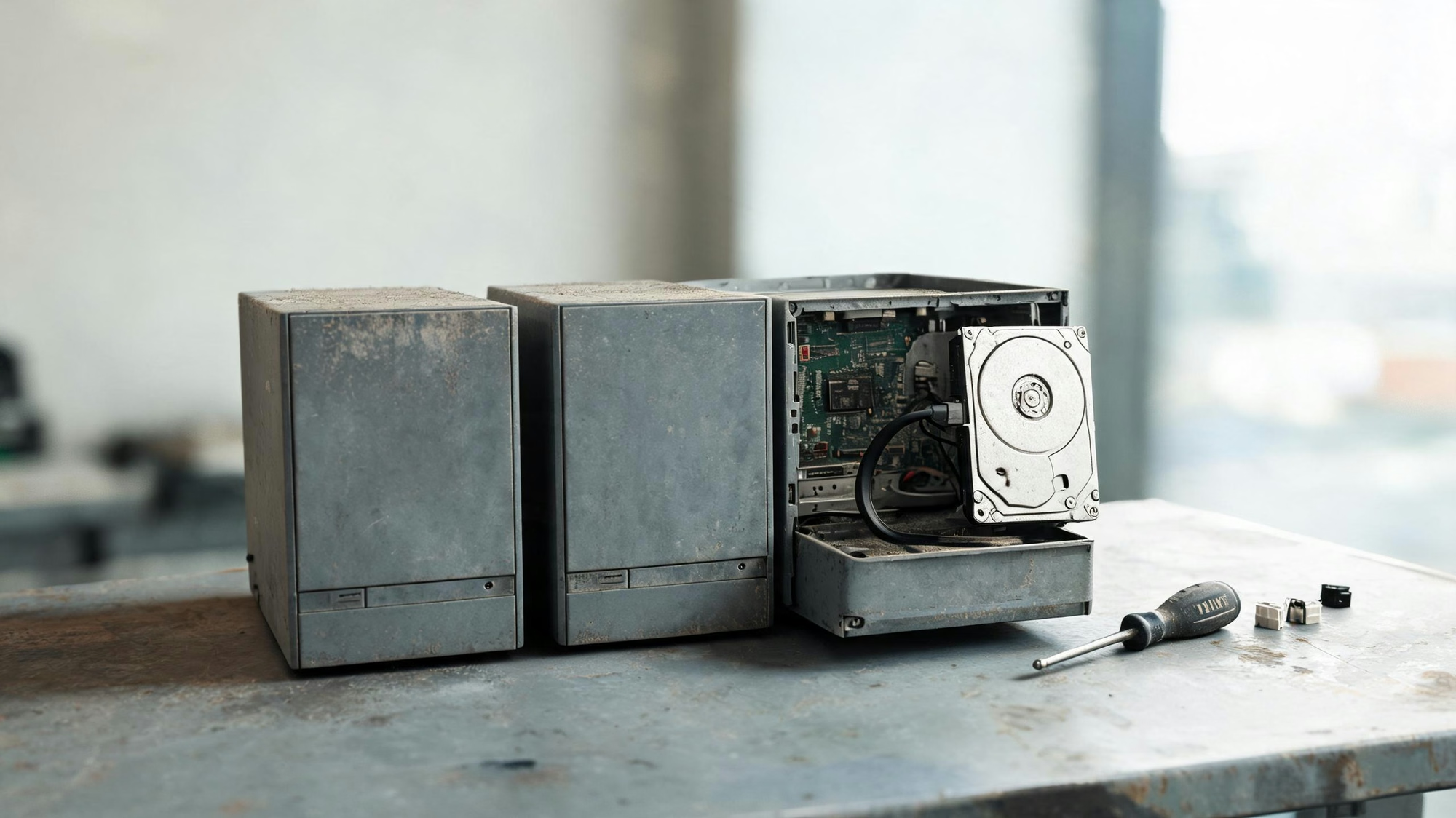
Let me explain how easy it is to match one of these tiny machines to your budget and desk space. Whether you buy brand-new or hunt down refurbished corporate gear, you get a whisper-quiet footprint that fits in the palm of your hand.
- Modern N150 mini PCs: Boxes like the Geekom Air 12 Lite pair an Intel N150 processor with 16GB of RAM and a 512GB NVMe SSD, giving you full-size HDMI output, plenty of USB ports, and low power draw right out of the box.
- Refurbished business minis: Hunting down an off-lease HP EliteDesk 800 G5 Mini gets you commercial build quality for bargain-bin money, though older models sometimes carry tighter limits on drive bays or memory upgrades.
- External storage expansion: Mini PCs handle compute and streaming effortlessly while external USB enclosures, a multi-bay direct-attached storage unit, or a dedicated network drive shoulder the heavy terabytes.
Smart Tricks That Make Windows Mini Boxes Shine
You know what? Even if you usually lean toward Linux like I do, modern Intel integrated graphics inside those N100 and N150 chips make Windows media servers surprisingly painless. Hardware video decoding and encoding through Intel Quick Sync Video handles high-definition streams smoothly so your little processor never gets bogged down.
Even cooler, if you plug a Windows mini PC directly into your living room TV and use a network-capable universal remote like a Logitech Harmony, clever utilities like ECP EMU Server let your PC emulate a Roku device on your local network. You get full couch-friendly remote control without needing extra streaming sticks dangling behind your screen.
What Happens When You Ditch One Cloud Subscription
Here is the thing: owning your local storage completely changes how you think about digital media. Every few months, streaming platforms quietly yank movies off their catalogs, hike their monthly rates, or bury your favorite albums behind another tier.
I still buy physical discs and rip my own DVDs under fair use, storing my personal movie and music library right on that 6TB drive. Running Jellyfin turns a simple folder of video and audio files into a slick, private streaming interface across my house with zero tracking or subscription walls.
Once that local box is humming along, whether it is a Linux Mint OptiPlex or a tiny N150 Windows box, you realize how much else you can keep under your own roof:
- Private media streaming: Watch your own movies and listen to lossless music across any screen in the house without buffering or licensing disappearing acts.
- WordPress and web sandboxes: Spin up local test sites or lightweight Docker containers to break things safely before pushing changes live.
- No-nonsense file backups: Sync important documents and photos across your home network using Samba or standard Windows file sharing instead of renting extra cloud gigabytes forever.
Keeping It Simple So You Actually Maintain It

The best security setup on earth does not require memorizing complex firewall tables or exposing your home network to the open internet. I do not bother with remote logins from outside the house or complicated reverse proxies just to watch a movie on my own couch.
Here is my favorite security feature on the entire rig: that nineteen-dollar external enclosure has a physical power button right on the case. When I am done listening to music or watching a movie for the night, I reach over and turn the drive off.
No software patch beats physically cutting power to your storage vault before you go to sleep. Keep your hardware modest, keep your network local, and build a quiet little box that serves your daily life instead of demanding constant maintenance.