
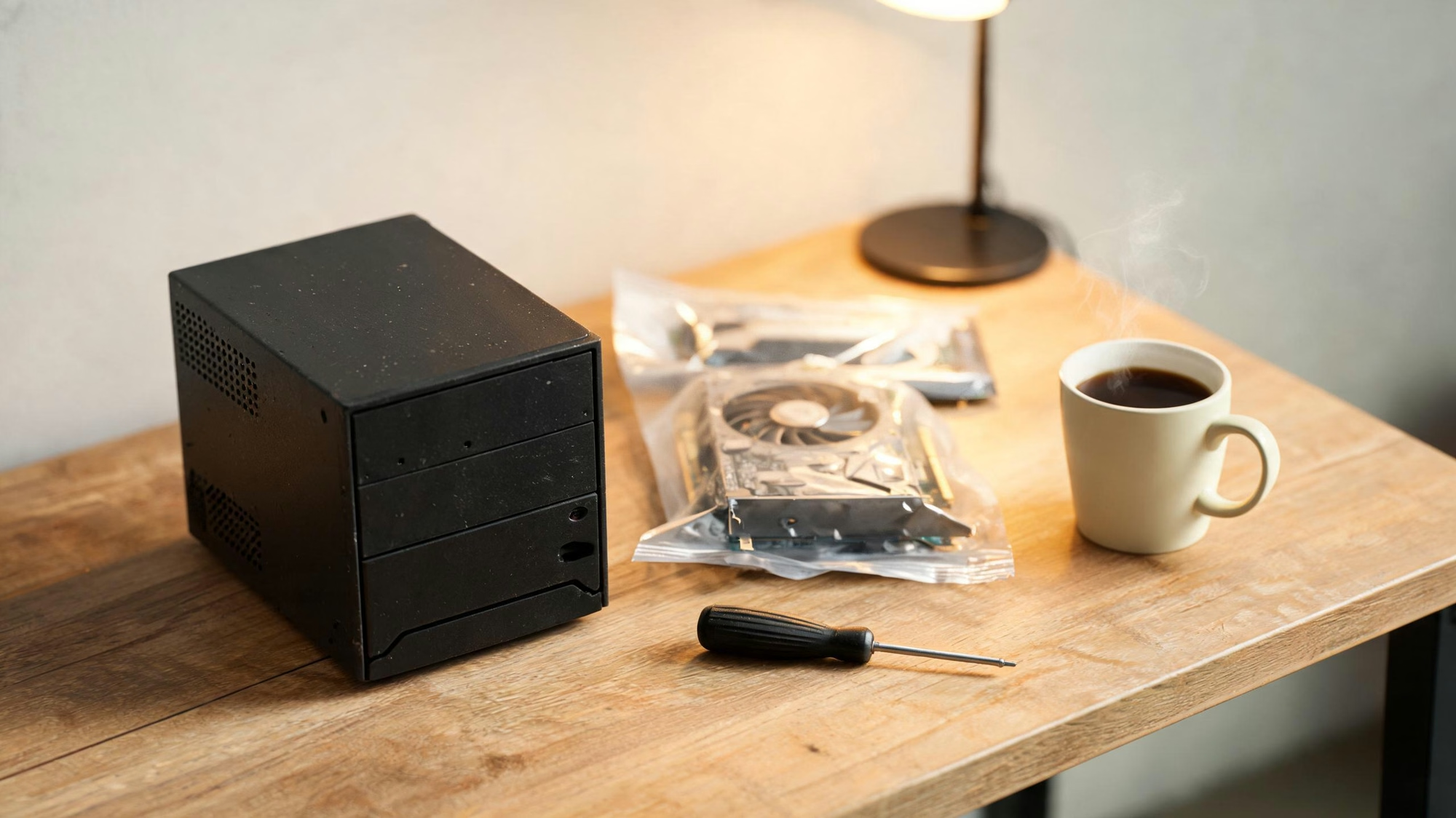
I did not buy this machine. A previous employer replaced it, and it sat in a cupboard long enough that nobody wanted to argue about the paperwork, so it came home with me. It has been running something ever since.
That is the whole premise of this article, and it is why these boxes are worth looking at. Not because a five year old office PC is impressive, but because it costs about a hundred dollars and does most of what people buy a small server for.
I Got This Thing For Nothing
Mine arrived with a seventh generation i5, 32GB of RAM and a 1TB SSD, which is better than the average listing. I added a six gigabyte NVIDIA card I bought at Walmart, and a six terabyte Western Digital Purple that was also free, because it had been sitting in a drawer.
Total spent on the machine: the price of the graphics card. Everything else was surplus.
That is not a humblebrag, it is the actual value proposition. Offices replace these on a schedule whether or not they are broken, and the machines get sold by the pallet, which is why the used market is drowning in them.
What A Hundred And Fifteen Dollars Buys
On eBay while I was writing this, a 7050 small form factor with an i7-6700, sixteen gigabytes of memory, a hundred and twenty gigabyte SSD and a Windows 10 licence was listed at $114.74. That is a complete computer, shipped, for the price of a decent keyboard.
Here is what you are actually getting.
| Part | What it is | What it means for you |
|---|---|---|
| CPU | Sixth or seventh generation Core i5 or i7 | Four cores, plenty for a server, fine for light desktop use |
| Memory | Four DDR4 DIMM slots, sixty four gigabytes maximum | The cheapest upgrade you will ever do |
| Storage | Usually a small SSD plus one or two bays | Room for a real drive, which is the point |
| Graphics | Low profile slot, no external power | You can add a card, within seventy five watts |
| Power supply | Around two hundred watts | Quiet, and it will not heat the room |
Prices here are as of November 2026 and move constantly. Check the listing before you trust a number in an article.
The Catch Is Always Windows
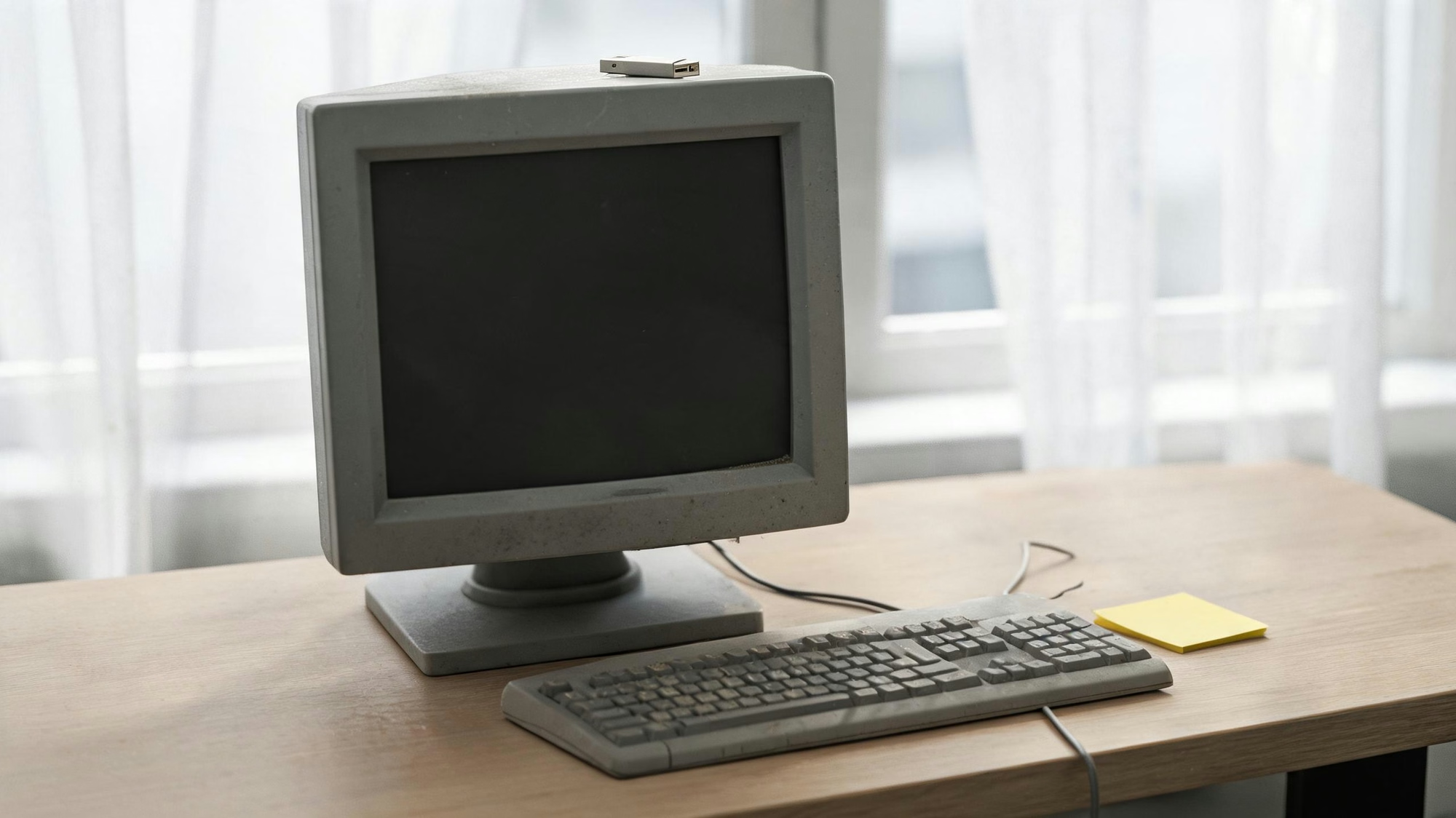
Every one of these listings is cheap partly because it ships with Windows 10, and Windows 10 stopped getting security updates in October 2025. A machine with an unsupported operating system is a liability, and sellers know it.
Which is not a problem if you are installing Linux, because that is what you were going to do anyway. Mint, Debian, Ubuntu Server, whatever you already know. The machine does not care.
The licence is the thing you are paying for and the thing you are replacing. Do not let a seller charge you extra for a Windows key you will never use.
Upgrading What Actually Matters
Two upgrades, in this order.
Memory. Four slots and support for sixty four gigabytes means you can go as far as you want for almost nothing. This is where a hundred dollar box becomes a machine that runs virtual machines, containers and a local model without complaining.
Storage.
The bundled SSD is usually a hundred and twenty gigabytes, which is a rounding error. Mine arrived with a terabyte, which is luck rather than the norm.
Keep whatever it ships with for the operating system and add a real drive for everything else.
The processor is not on the list. A seventh generation i5 to an i7 is not a meaningful jump, and the motherboard will not take anything newer, so the money goes into memory and disks.
The Wrong Memory Listing
Most of these sell second hand with sixteen gigabytes, so the first upgrade is usually memory. While pricing a second pair of sticks I found this listing, and it is worth showing because it looks right and is not.
16GB (2x8GB) DDR3L PC3L-12800S 1600MHz 2Rx8 Laptop RAM SODIMM, pre-owned, $29.99.
That is laptop memory from two generations earlier. The 7050 takes 288 pin DDR4 DIMMs at 2400 megahertz, four of them, non-ECC. A SODIMM is a different physical size and will not fit the slot no matter how carefully you line it up.
So the bargain was not a bargain. Search for DDR4 DIMM 2400 16GB and buy a pair of those instead.
The Card And The Drive
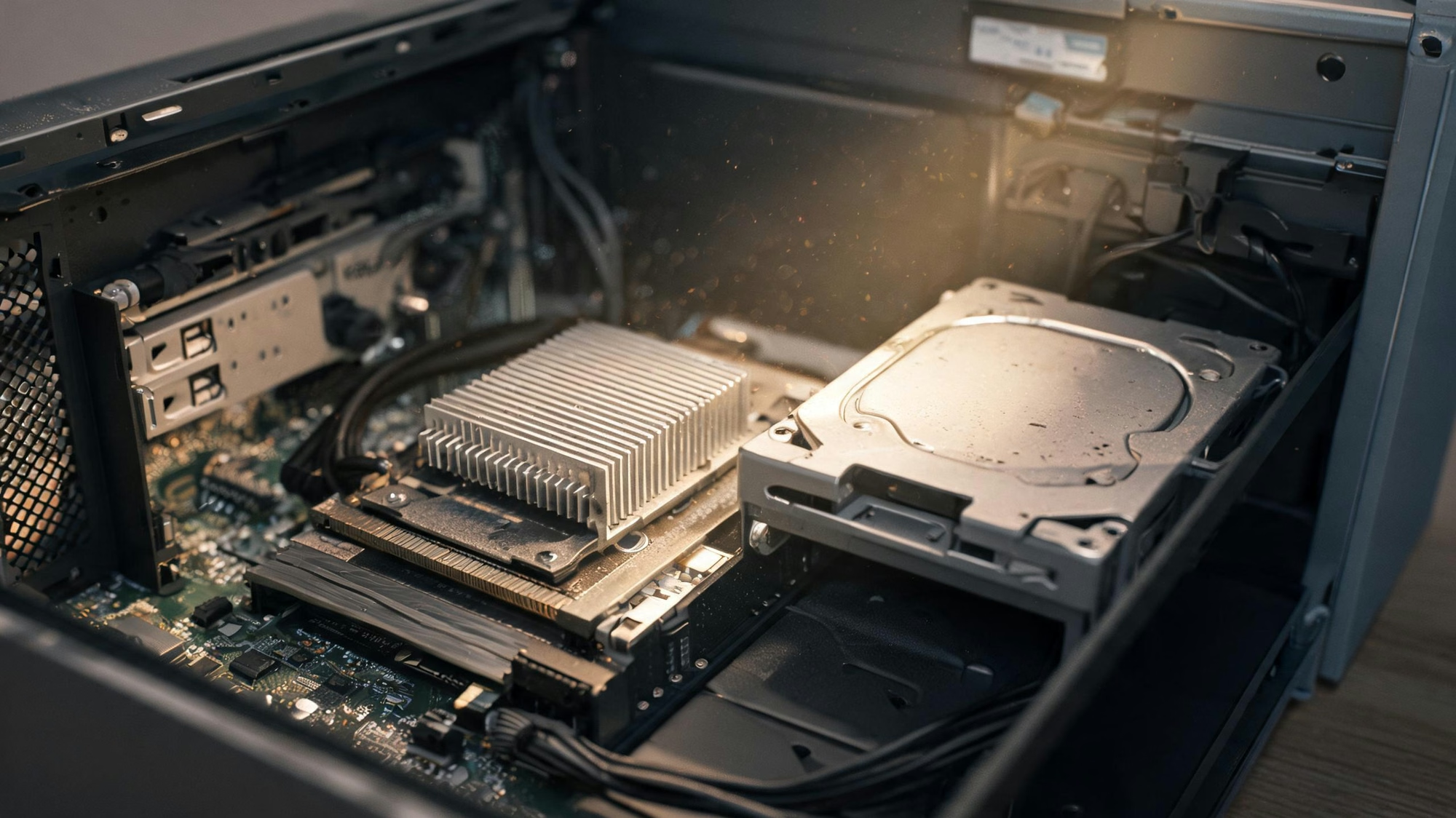
The slot is low profile and the power supply is small, which sounds limiting until you look at what actually fits. A seventy watt card needs no external power connector, and there are current low profile options at exactly that budget.
Mine runs a local language model on six gigabytes of memory, which is the subject of a different article. The point here is that the slot is not decorative.
The drive matters more. These machines have space for a proper hard disk, and a surveillance drive like mine is built to run continuously, which is exactly the workload.
It is not fast. It is not supposed to be.
What It Cannot Do
Let me be honest about the ceiling, because a hundred dollar computer has one.
- Four cores is four cores. Compiling something large, running several virtual machines badly, or transcoding video will show you the limit.
- No ECC memory. If you were planning to run a filesystem that wants it, this is not the machine.
- The power supply is the real wall. Big graphics cards are out, and so is anything with a chunky connector.
- Drive bays, not drive cages. Two, maybe three disks, and then you are done.
None of that matters for a home server, a media box, a router, or a machine that runs a few containers. All of it matters if you are planning something ambitious.
When To Stop Spending
The rule I use is simple. Do not put more money into the machine than the machine cost.
A hundred dollars of second hand box plus a hundred dollars of memory and disks is a two hundred dollar server that does real work. The same box with a new processor, a new power supply and a new case is a bad decision wearing a project’s clothing.
If the total crosses about three hundred dollars, you are in range of a mini PC with newer silicon, better efficiency and a warranty. That is the line where sentiment stops being a strategy.
The Machine Under Your Desk
The best server is the one that is already there. Offices are throwing these away, marketplaces are full of them at the price of a nice dinner, and they run everything a beginner actually needs.
Mine was free, and it is still the most useful computer I own. Yours does not have to be free. It just has to cost less than the thing it replaces.