








Google Photos is a very good product. It has quietly changed what it is for over a decade, and that matters if your family photos live in it.
The important question is not whether it is good. It is whether you pay for storage, or access, or both. And what happens to each when you stop.
What You Are Actually Paying For
Three separate things get bundled into one subscription, and they have different lifetimes.
Storage is the disk. Access is the app that opens it on every device you own. Permanence is the promise that it will still be there in ten years.
Permanence is the only one that ever mattered, and the only one really being sold.
Any comparison with self hosting has to separate those three, because you can replace one without replacing the others.
The Storage Maths
A phone photo is a few megabytes. A minute of video is far more, and video is what actually fills a library.
Do the arithmetic on your own library rather than someone else’s. Take the size your phone reports for photos, and add what is on the old phone in the drawer.
Then multiply by a year of new photos.
For most families that lands in the low hundreds of gigabytes. That is one modest hard drive, not a data centre.
Uploads Die In The Background
Here is the failure nobody mentions in the migration posts, and it is the one that decides whether this works.
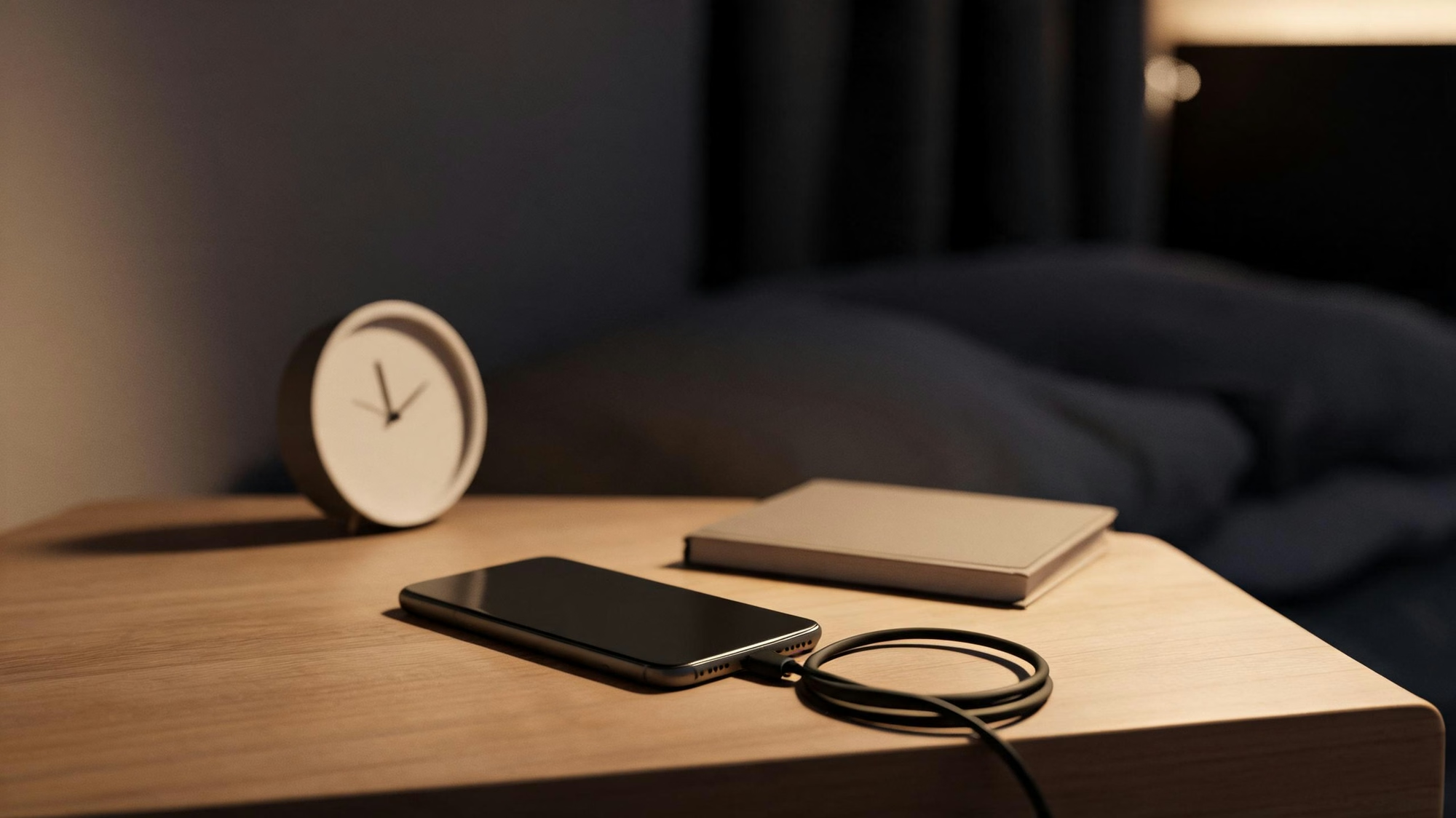
A self-hosted uploader has to run in the background. Android kills background work to save battery, the same way it stops everything else. So photos you took on Saturday are still only on the phone on Tuesday.
The Immich documentation walks through this, and the fix is always the same shape. Exempt the app from battery optimisation, accept a standing exception on your phone, and check the queue now and then.
That is not a flaw in the software. It is the platform doing what it was told to do.
What Immich Does Better
Immich is the open source option most people reach for, and the case for it is specific.
- Your library lives on your disk, in a structure you can read and copy.
- No subscription, no tier, no scan of your face database behind a paywall.
- The apps are open source, so nothing about the upload behaviour is a mystery.
- Backups run to a machine you control, on a schedule you set.
For a family with a server already running, that is a different product category, not a cheaper version of the same one.
What Google Still Wins At
And this is where the migration posts get dishonest, because Google is genuinely better at several things.
Search is the big one. Ask for photos of a dog on a beach and you get them. That is a solved problem there, and a work in progress elsewhere.
Shared albums, automatic highlight reels, and working on your parents’ phone with no setup are all real advantages.
Convenience is the product. Pretending otherwise is how people write angry posts eighteen months later.
The Takeout Problem
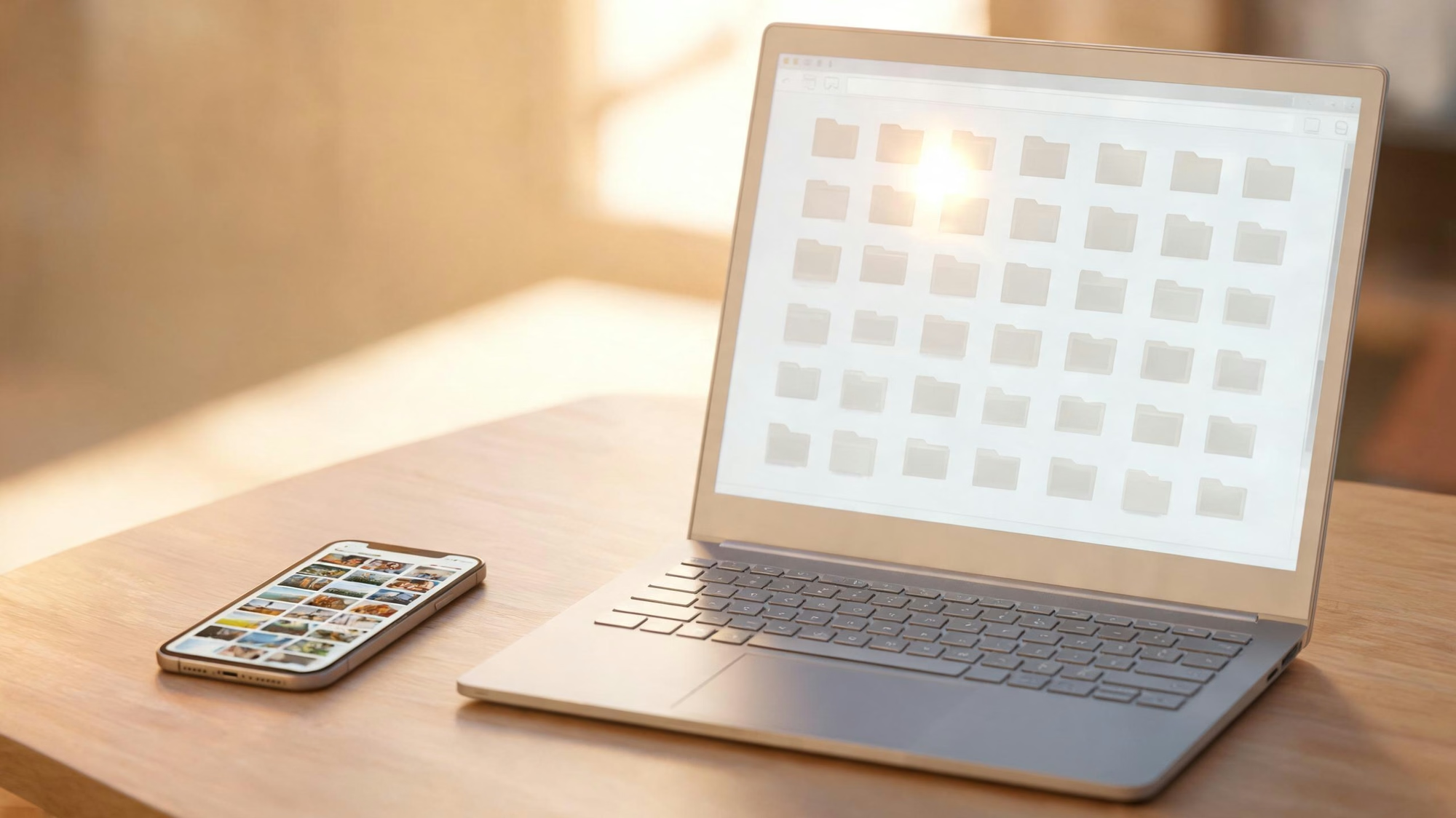
Leaving Google means exporting with Google Takeout, and Takeout is a mess to work with.
You get archives split by size, and sometimes by year. Each comes with JSON sidecar files holding dates and captions. Import tools handle most of it, and every one of them has an edge case that loses metadata for a subset of files.
Two practical rules. Export first, verify the count of files matches roughly what you expected, and only then consider deleting anything. And keep the original Takeout archives somewhere, because your import will not be perfect on the first attempt.
Running Both For A Year
The advice I would give, and the one nobody selling a migration gives, is to run both libraries for a year.
Point a self-hosted uploader at new photos, keep the Google backup running, and let the local library grow while you discover what it does badly for your family. At the end of the year you will either have confidence, or a very clear list of why you keep paying.
That costs one subscription year and buys you an honest answer.
Hardware You Already Have
The server side is not demanding. Docker, a directory, and enough disk for your library is the whole requirement.
If you already run a small machine for anything else, you are one container away. That is the same machine running the media library and the local models, and adding photos to it is a storage decision rather than a hardware one.
The Backup You Control
The reason to do this is not cost. It is that nobody can take the library away from you, change the terms, or shut the service down in a market that stopped making money.
Keep the subscription if you want the search. Keep your own copy because it is yours.
Key Takeaways
- Storage, access and permanence are three different products.
- Do the maths on your own library, not a hypothetical one.
- Background uploads stop because Android kills background work, and it always will.
- Google is still better at search and sharing. Say so.
- Run both for a year before you cancel anything.